
Symbility Sketch XML
Understanding Symbility Sketch XML: A Comprehensive Guide
In the ever-evolving landscape of property insurance estimator and restoration, technology plays a pivotal role in enhancing efficiency and accuracy. One of the most significant tools in this domain is Symbility Sketch, a software solution that streamlines the process of creating detailed building sketches for claims processing and assessments. This guide aims to delve into the intricacies of Symbility Sketch XML and provide valuable insights and tips for maximizing its potential in your workflows.
What is Symbility Sketch XML?
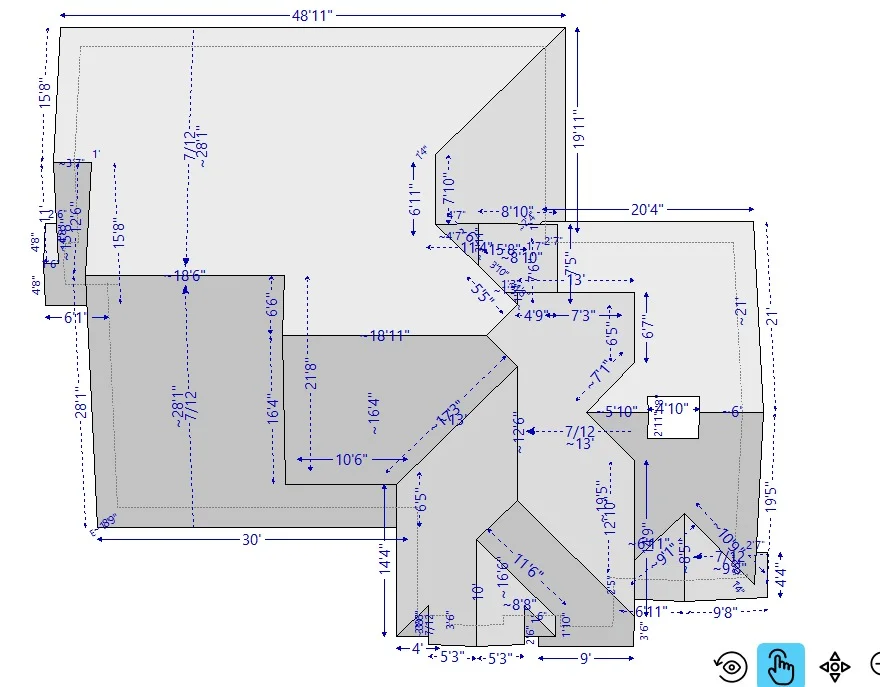
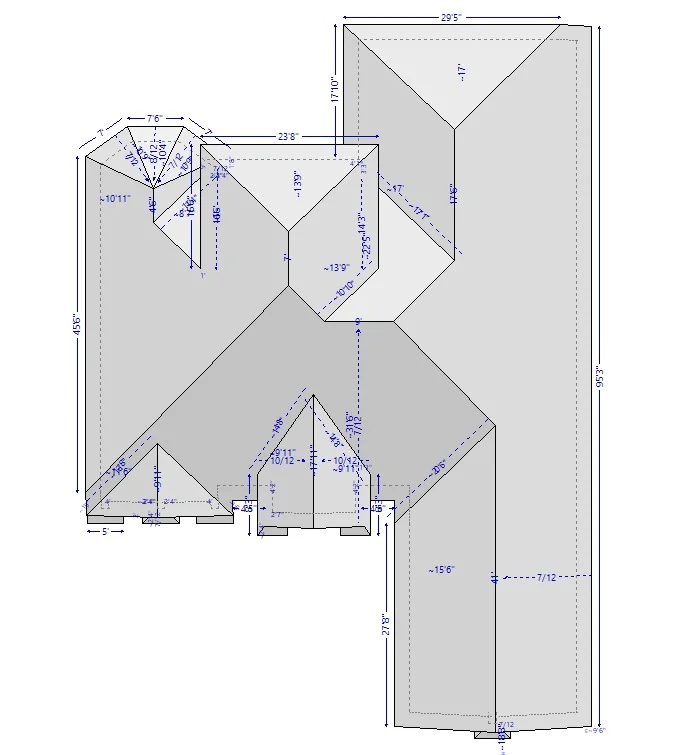
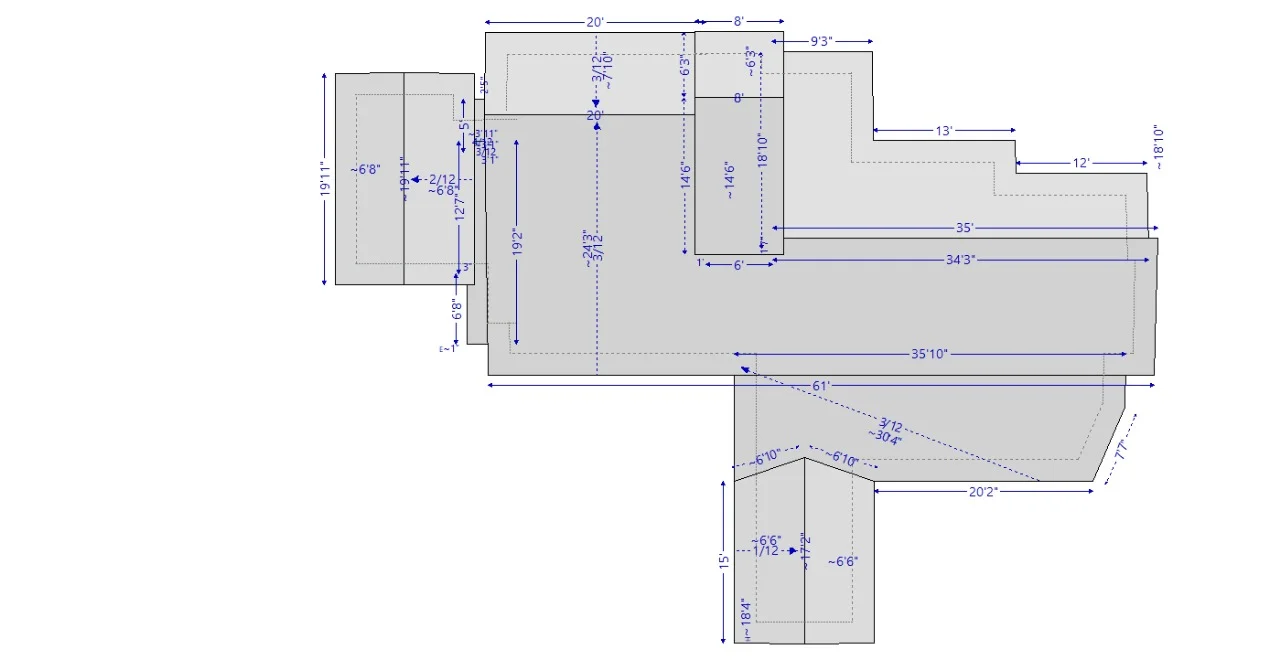
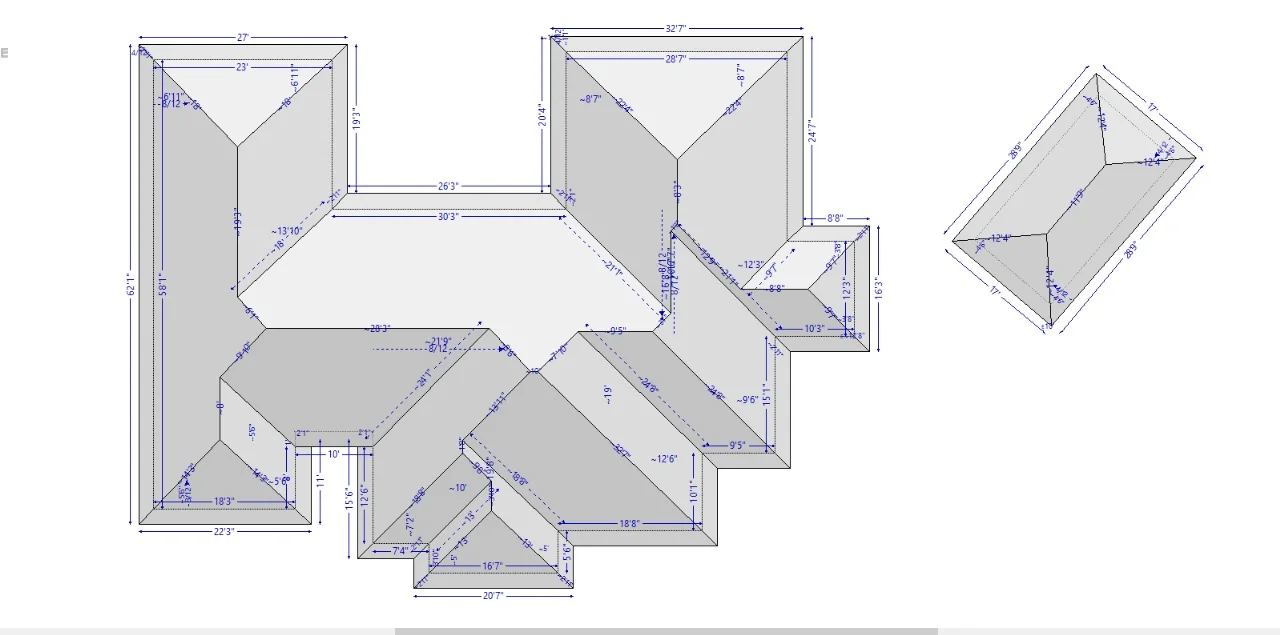
Symbility Sketch XML is a file format used to store and exchange sketches created within the Symbility platform. We are also providing Arial roof measurements PDF Document and this powerful tool allows users to create accurate and detailed floor plans, structural sketches, and other critical visual documentation required in the insurance claims process. The XML format ensures that all the data related to the sketches can be easily shared and integrated with various systems, contributing to a more seamless workflow. The benefits of using Symbility Sketch include high-resolution output, compatibility with various platforms, and the ability to easily update and modify sketches. One of the common requirements among users is converting Xactimate sketches to Symbility formats. This is often needed when companies transition from Xactimate to Symbility for a more robust sketching experience.
Copying Symbols in Sketch
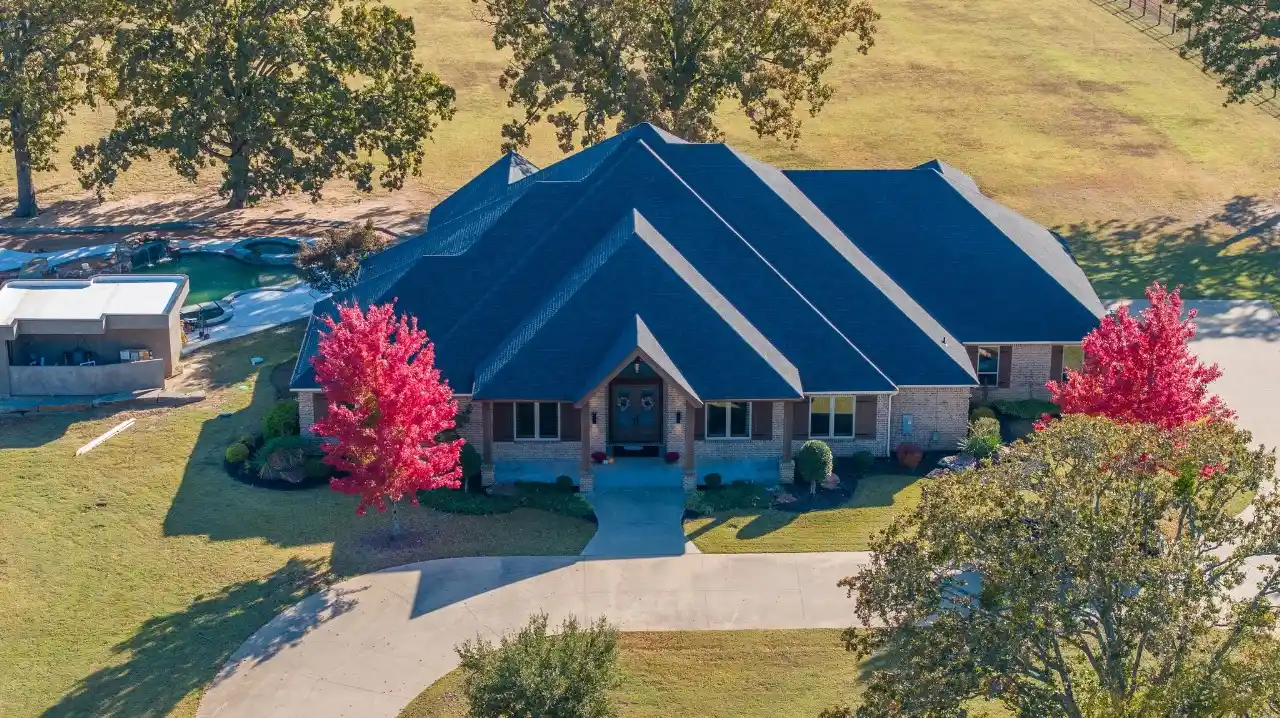
The foundation of a flawless claim lies in the sky. Accurate aerial roof measurements transform the estimation process by correct , delivering irrefutable precision. By leveraging property aerial imagery and detailed measurement reports, you can create bulletproof Xactimate Roof Sketches that ensure fast approvals and maximize profitability. Also providing matterpoint to xactimate services this guide walks you through the journey from aerial data to a professional estimate.
Converting Xactimate Sketch to Symbility
The transition from Xactimate to Symbility might seem daunting, particularly when it comes to importing existing sketches. However, this process can be simplified with effective strategies. There are various methods available for converting Xactimate sketches into Symbility format, and utilizing the XML format is one way to facilitate this transition. By following a few straightforward steps, you can successfully import your sketches into Symbility and continue your workflows without interruptions.
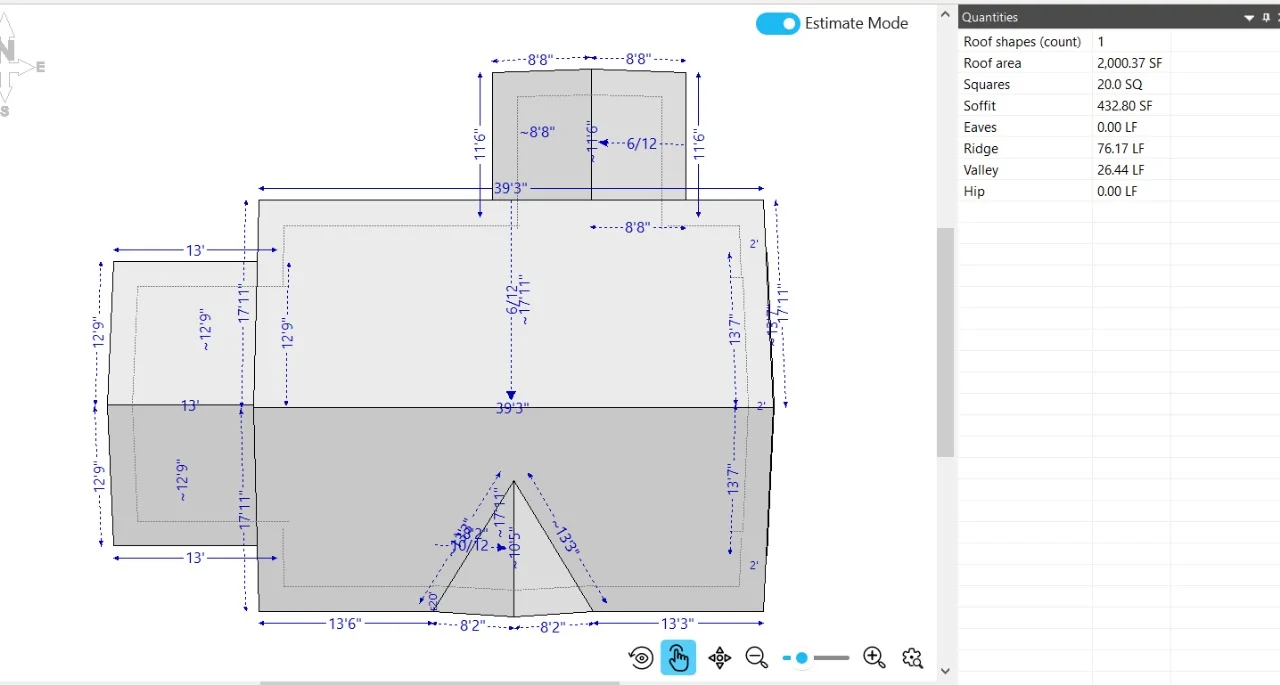
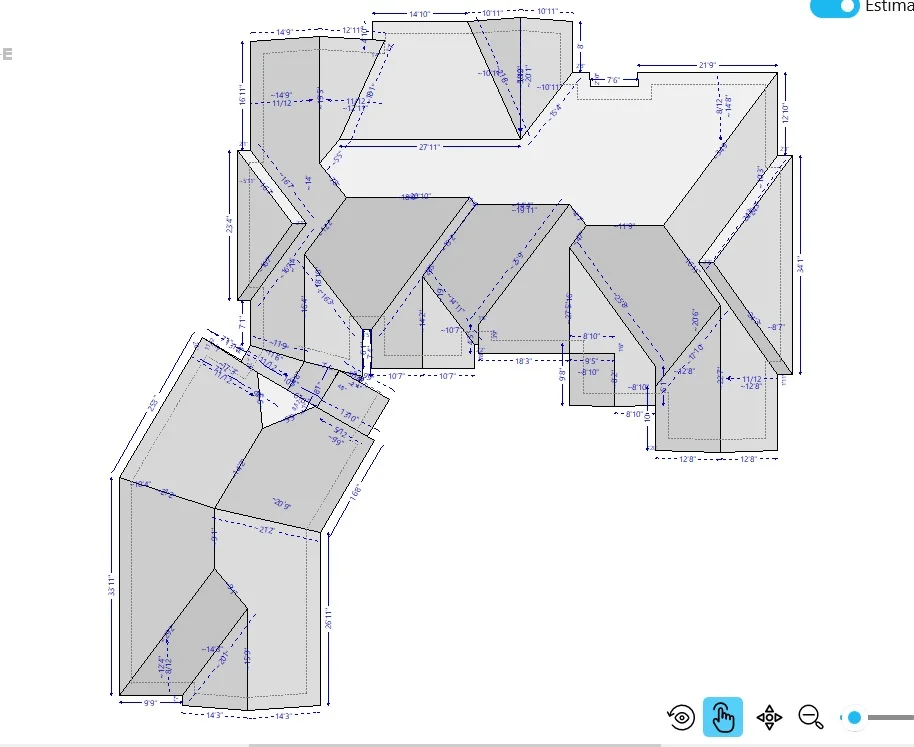
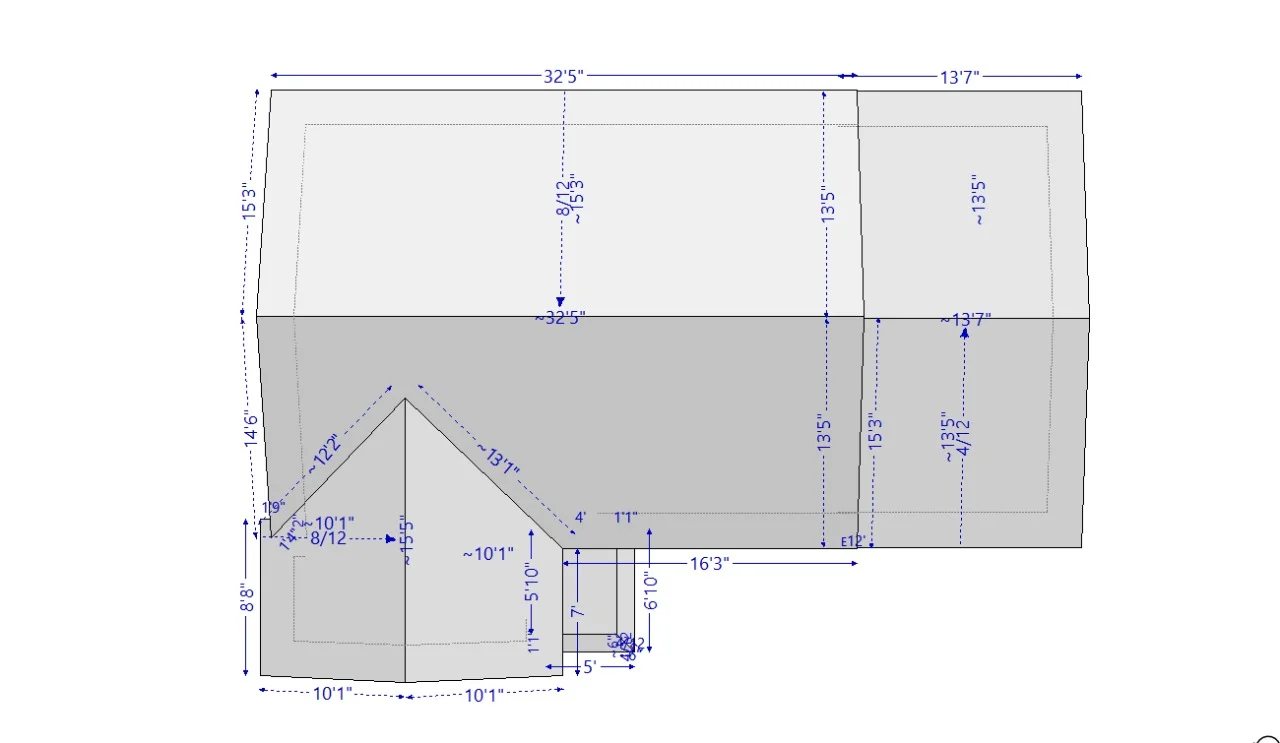
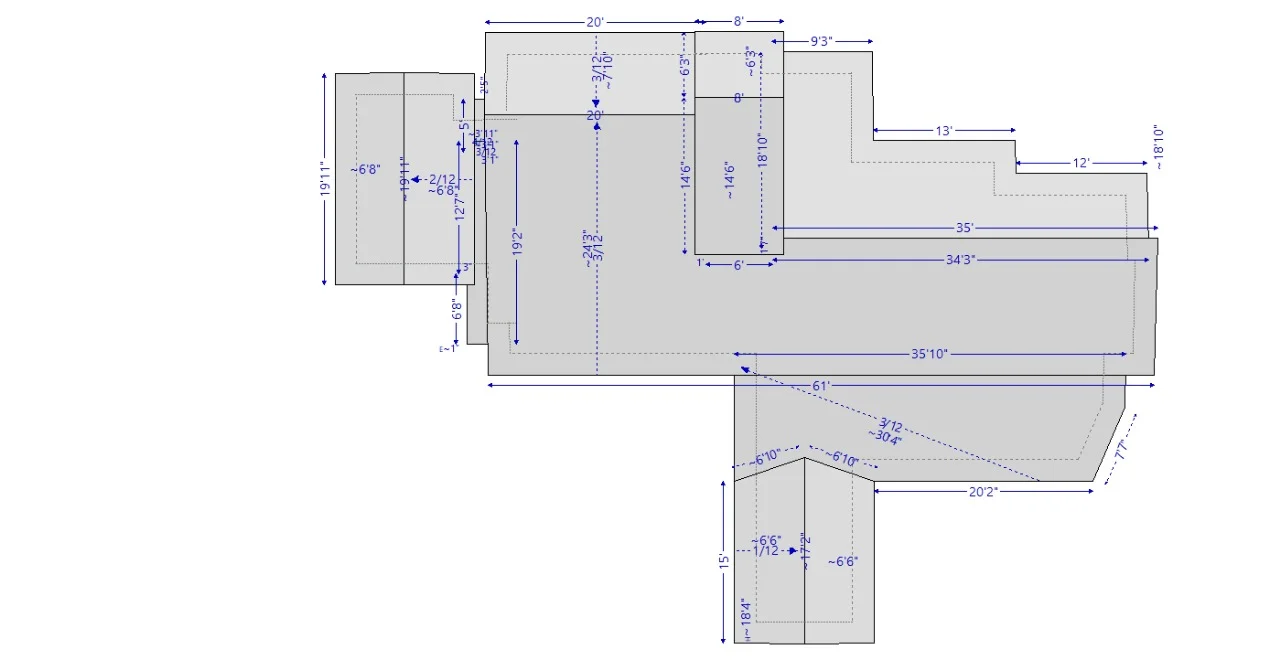
Interior Sketch Symbility App for iPhone
Apple users especially benefit from the dedicated interior sketch Symbility app available for iPhone. The app retains the full functionality of the desktop version while optimizing the user experience for mobile. This portability is crucial for professionals who are frequently in the field, allowing them to capture details and updates instantly.
Understanding Sketches of Fire Symbols
In insurance claims, it’s particularly essential to include specific symbols that represent fire damage and safety features. Properly providing to our customer the xactimate roof sketches of fire symbols can highlight crucial elements related to fire safety protocols, such as smoke detectors, sprinklers, and emergency exits. Ensuring these symbols are prominent in your sketches provides critical information to claim adjusters, paving the way for smoother processing of insurance claims.
Best Practices for Using Symbility Sketch
To make the most of your experience with Symbility Sketch and its XML functionalities, consider the following best practices:
- Familiarize Yourself with the Interface: Spend time exploring the tools and features available within Symbility Sketch to enhance your expertise and efficiency.
- Utilize Templates: Using pre-designed templates can save significant time and effort, particularly for common layouts and features.
- Stay Organized: Regularly archive and maintain your sketches, categorizing them based on projects or clients to streamline your access to historical data.
- Regularly Update Skills: Make it a point to stay informed about updates to the software and new features, ensuring that you leverage the platform’s full potential.
- Seek Feedback: Engage colleagues and clients for feedback on your sketches and utilize their insights to improve your work.
Frequently Asked Questions (FAQ)
What is Symbility Sketch XML?
Symbility Sketch XML is a digital file format used to store and transfer building sketch data for property insurance estimating and restoration projects.
Why is Symbility Sketch XML important?
It helps improve accuracy, reduce manual errors, and speed up the estimating process by organizing sketch measurements in a structured format.
Who uses Symbility Sketch XML?
It is commonly used by insurance adjusters, contractors, restoration companies, and estimating professionals.
Can Symbility Sketch XML improve workflow efficiency?
MX ESTIMATION
MX Estimation is a trusted provider of professional Xactimate estimating services, helping contractors, insurance adjusters, and restoration companies manage property claims with confidence. We specialize in delivering precise Xactimate estimates, roof measurement reports, ESX files, and Symbility XML solutions tailored to industry standards.